
Coming soonOne system for a desk of Macs
Your Macs, finally one machine.
Mouse, keyboard, Dock, switcher, buttons. Across every Mac on your desk, as if it were one.
- US$99.99 once, every Mac you own
- For Apple silicon Macs








One Dock for every MacNot in macOS
Click an app in the iMac's Dock and it opens on the Mac it lives on, here the MacBook and the Mac mini.
Command-Tab reaches every MacNot in macOS
Drawn here as the Arc, one of eight switcher shapes. macOS only has the row.
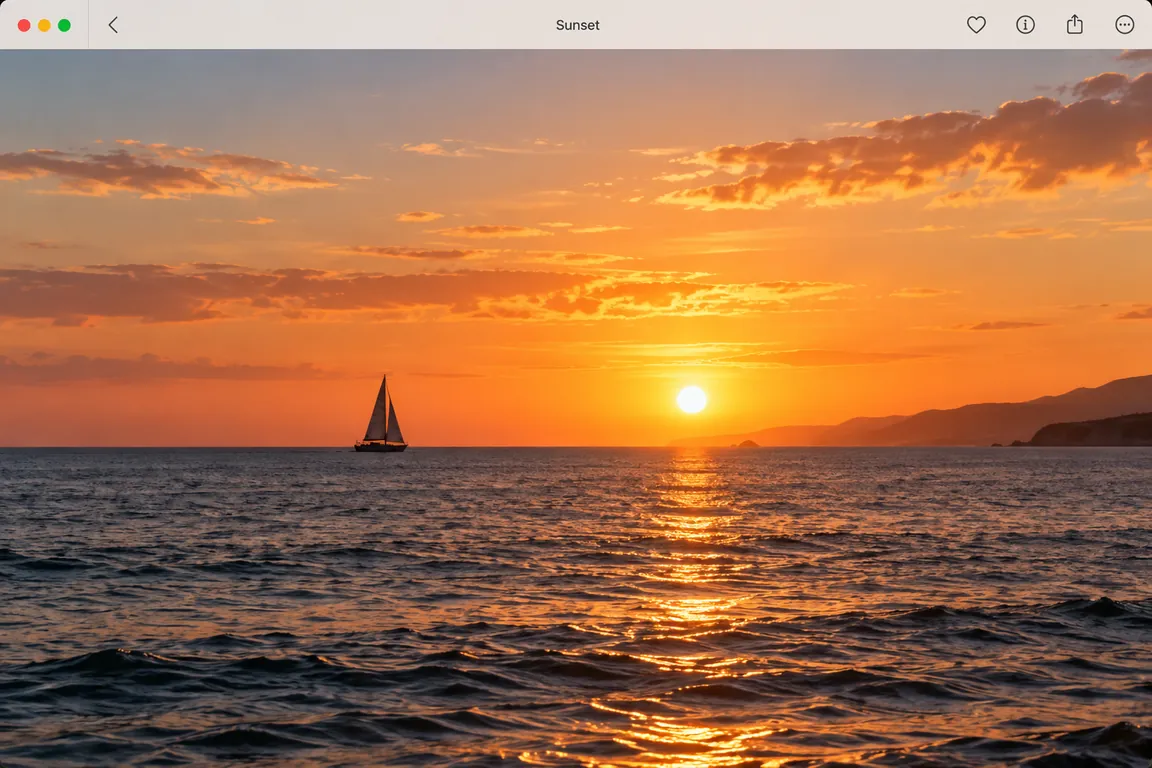
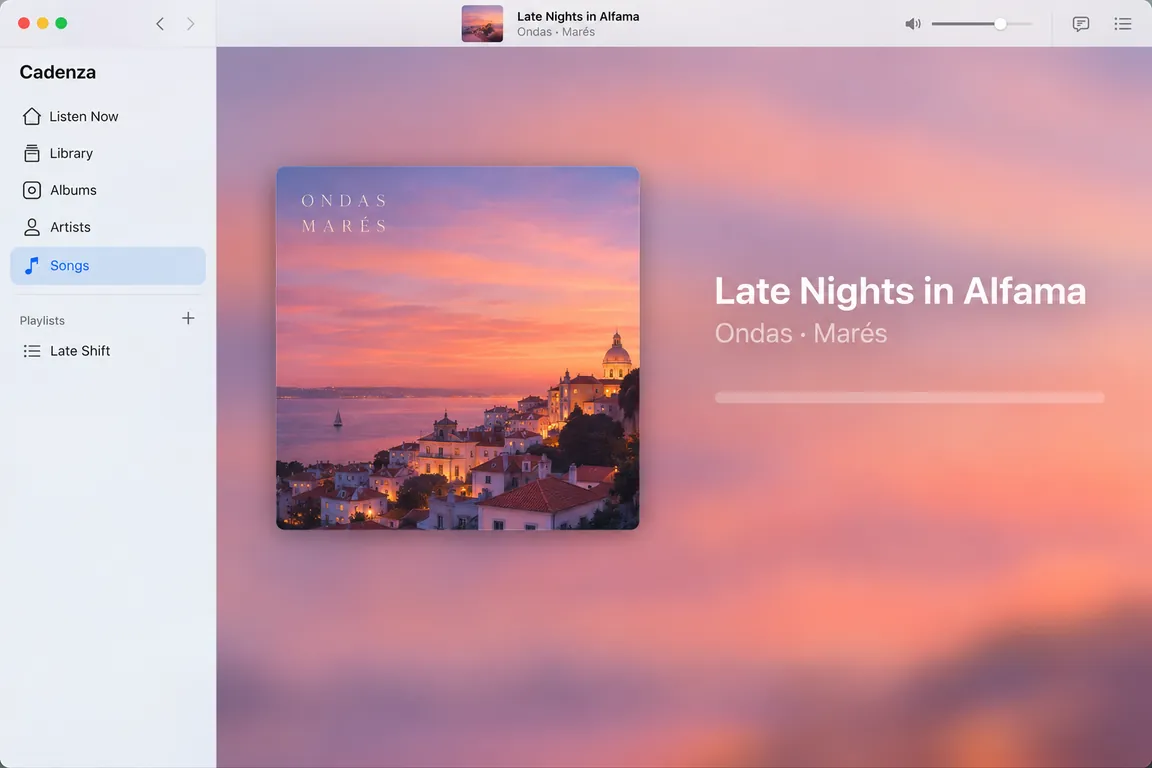
Play goes where the music is
The play key on the iMac plays the music on the Mac mini.
Minimize with SwoopNot in macOS
A minimize effect of BezelMouse's own. macOS has Genie and Scale.
What it is
A mouse that crosses. A Dock that reaches. Buttons you set once.
Three things in one app. Together they make a desk full of Macs behave like a single one.
01 · The mouse
One mouse, every Mac
The pointer crosses from one Mac to the next, and everything you reach for goes with it.
- Keyboard, clipboard, and files that move when you paste
- Safari and Chrome tabs, dragged across
- Trackpad gestures and media keys on the Mac you are on
- Fifteen pointer styles, from Glass to Comet




02 · The Dock
One Dock, every Mac's apps
In place of the macOS Dock, holding every Mac's apps behind its own tint. Click one and it opens over there.
- A Mac Dock, or a Windows 10 or 11 taskbar
- Command-Tab across every Mac
- Windows minimize into it and come back the way they left
- A launcher, a Downloads shelf, and the Trash
03 · Your mouse's buttons
Mouse button remapping, for every Mac
Most mice have buttons macOS never gave a job to. Give each one a job: a click, a media key, Mission Control, a keyboard shortcut, a jump to the next Mac. Set it once, and it works on whichever Mac the pointer is on. Even buttons a mouse hides from macOS.
- A button acts on the Mac the pointer is on, not the Mac the mouse is wired to
- One setup per mouse, kept across every Mac you pair
- Two mice, two setups: a trackball at the desk and a travel mouse in the bag
Only want one of them? BezelMouse Lite (US$49.99) and BezelDock (US$24.99) are sold on their own.
Fits your desk
Works with the Macs you already have. Private by design.
- Any number of Macs
- Two or ten. Every Mac can control every other.
- Different Apple Accounts
- A managed work laptop next to a personal Mac is fine.
- Wi‑Fi, Ethernet or Thunderbolt
- Whatever your Macs already share. A cable is fastest.
- No account, no cloud
- Nothing to sign up for. Nothing leaves your network.
- Encrypted, end to end
- Every connection between your Macs uses TLS 1.3.
- Pairing you can check
- Both Macs show the same six-digit code. If they differ, something is in the middle.
Pricing
Buy once. Every Mac you own.
A KVM app, a Dock replacement and a mouse remapper are three purchases, each for one Mac. This is one, for every Mac you own.
BezelMouse
one time
Buy once, keep it forever: your license never expires and updates to your version are free. No subscription, no account. Not for you? A refund within 14 days, no questions.
- Everything in BezelMouse Lite
- One Dock holding every Mac's apps: click one and it opens there
- The app switcher across Macs, and minimizing into the Dock
- Mouse button remapping: every extra button given a job, on every Mac
In US dollars. Any tax for your country is added at checkout.
Also sold on their own
BezelMouse LiteThe mouse across Macs. No Dock.BezelDockThe Dock and the switcher, on one Mac.Started with one of them? Pay the difference later. See all three
Questions
How much does it cost?
US$99.99, once, for every Mac you own, and there's no subscription: your license never expires. Only want part of it? BezelMouse Lite, the mouse without the Dock, is US$49.99, and BezelDock on its own is US$24.99.
Can my family or my team use my key?
No. A license covers one person and the Macs they use themselves, so anyone else needs their own. Team licenses are not available yet; tell us on the support page if you need several people covered.
Does it work with Windows or Linux?
Not yet. BezelMouse shares a keyboard and mouse between Macs.
Does it work on Intel Macs?
No. BezelMouse needs a Mac with Apple silicon (M1 or later) on macOS 13 Ventura or later, and so does every Mac you connect.
Do my Macs need to be signed in to the same Apple ID?
No. Macs pair with each other directly using a six-digit code, so a work laptop signed in to a different Apple Account can sit next to your personal Mac.
Does it need an internet connection or an account?
No. BezelMouse works over your local network. There's no account to create, and nothing passes through a server.
Is it secure?
Every connection is encrypted with TLS 1.3 and stays on your local network. To pair two Macs, you check that both show the same six-digit code and confirm. A device trying to intercept the connection would make the codes differ.
Can the Mac my keyboard is plugged into still see what I type?
While the pointer is on another Mac, BezelMouse takes every keystroke and mouse event before any app on the keyboard's own Mac sees it, and sends it over the encrypted connection. Nothing is typed there and its shortcuts do not fire. The keyboard is still plugged into that Mac, though: software that reads input at the hardware level, with macOS's Input Monitoring permission, sees the keys arrive there, as it would with any software KVM. Only a hardware switch keeps them off that Mac entirely.
Can I drag files and browser tabs between Macs?
Yes. Drag files, folders, links, or selected text off the edge of one screen and drop them on the other Mac. Tabs dragged out of Safari and Chrome work too. In other browsers, drag the site icon from the address bar instead.
Do trackpad gestures work on the other Mac?
Yes. Pinch, rotate, swiping between pages, Mission Control, and Spaces happen on the Mac you're controlling, not the one your trackpad is attached to.
Will my other Mac fall asleep while I work?
Not unless you want it to. While you use one Mac, the others stay awake and connected, then sleep as usual a minute or two after you stop. You can let their screens turn off, keep them on, or switch this off.
How many Macs can I connect?
As many as you like. Any Mac can control any other; none of them has to be the main one.
Why does macOS ask for Accessibility permission?
macOS only lets an app move the pointer and type for you if you allow it in Privacy & Security settings. Every app that shares a keyboard and mouse needs this permission.
Does it work at the login screen?
No. BezelMouse works once you're logged in on each Mac. At the login or lock screen, use that Mac's own keyboard and mouse.
Setting up, shortcuts and fixes are on the support page.